







Skip links

Web Maintenance

SBWD

Web Maintenance

Web Security & Maintenance

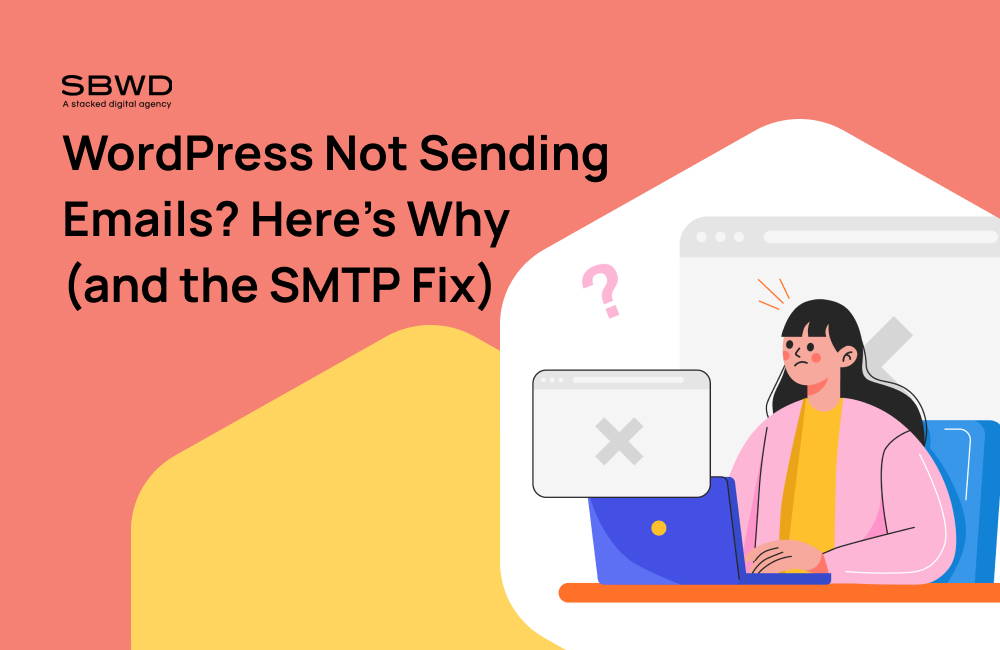
WordPress Not Sending Emails? Here’s Why (and the SMTP Fix)

WordPress emails usually fail because, by default, WordPress sends mail through your web server’s built-in PHP mail function — which most receiving inboxes don’t trust, since it isn’t authenticated the way real email services are. The fix is routing your emails through an SMTP connection to a trusted provider (Gmail, Outlook, or a dedicated email service) instead. This post covers why it happens and walks through setting that up with Fluent SMTP, a free plugin that connects to Gmail, Outlook, and others.
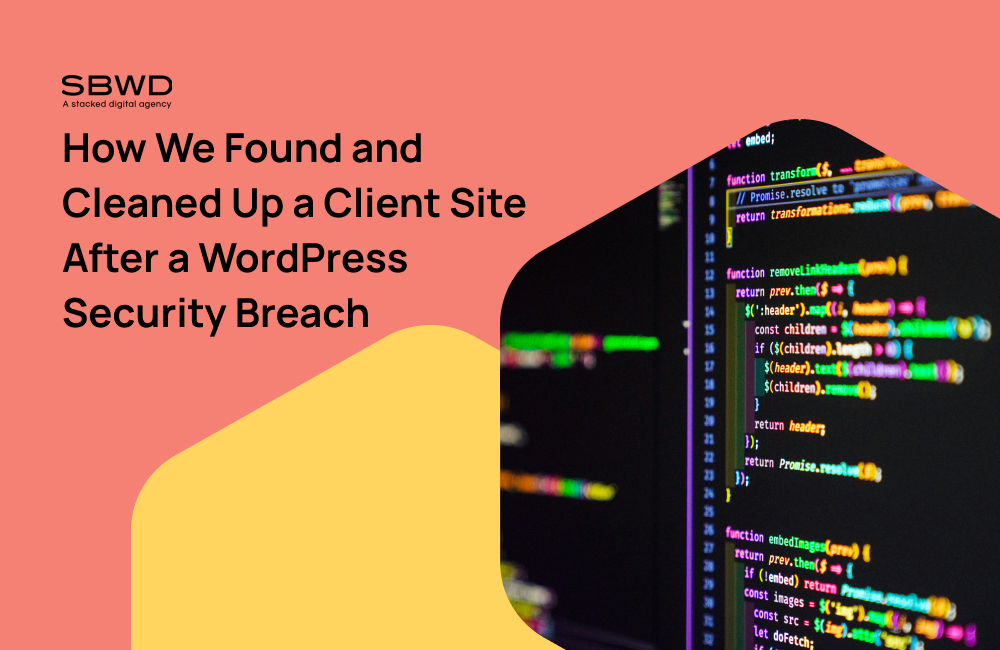
WordPress security breach code on screen
Web Security & Maintenance

WP2Shell: How We Found and Cleaned Up a Client Site After a WordPress Security Breach (Case Study)

In July 2026, a serious flaw in WordPress itself — nicknamed “wp2shell” — let hackers take over websites without needing a password. One of our clients wasn’t patched in time, and we found clear signs of a break-in: several administrator accounts in their WordPress dashboard that nobody on their team had created. This case study covers what we found, how we confirmed it was a real compromise, and the full cleanup process that got the site back to safe.

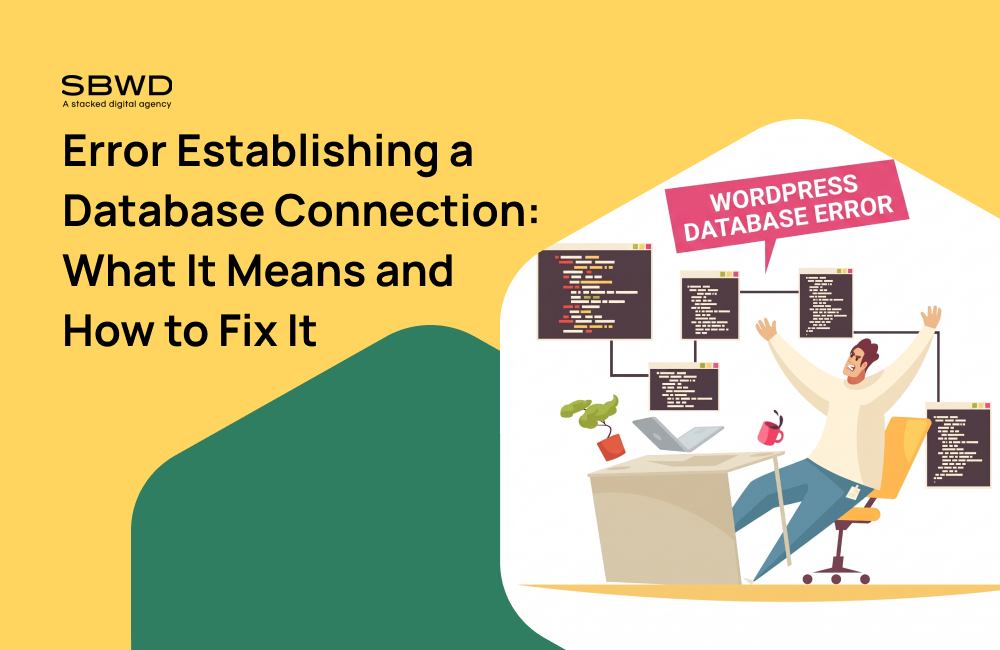
WordPress database error troubleshooting illustration
Web Security & Maintenance

Error Establishing a Database Connection: What It Means and How to Fix It

“Error establishing a database connection” means WordPress can’t reach the database that stores your content — usually caused by wrong credentials in wp-config.php, a database server that’s down or overloaded, or a corrupted database. A 500 Internal Server Error is a different, more general error — it’s sometimes caused by a database problem, but far more often it’s a PHP memory limit, a plugin conflict, or a broken .htaccess file. This post covers both, and how to tell which one you’re actually dealing with.

Testing a WordPress backup restore on a laptop
Web Security & Maintenance

How to Test Whether Your WordPress Backup Actually Work

The only real way to know a WordPress backup works is to actually restore it — ideally to a staging site — and confirm the site loads, the database is intact, and nothing critical is missing. Checking that a backup file exists or that a plugin says “backup complete” tells you nothing about whether it can actually save you.

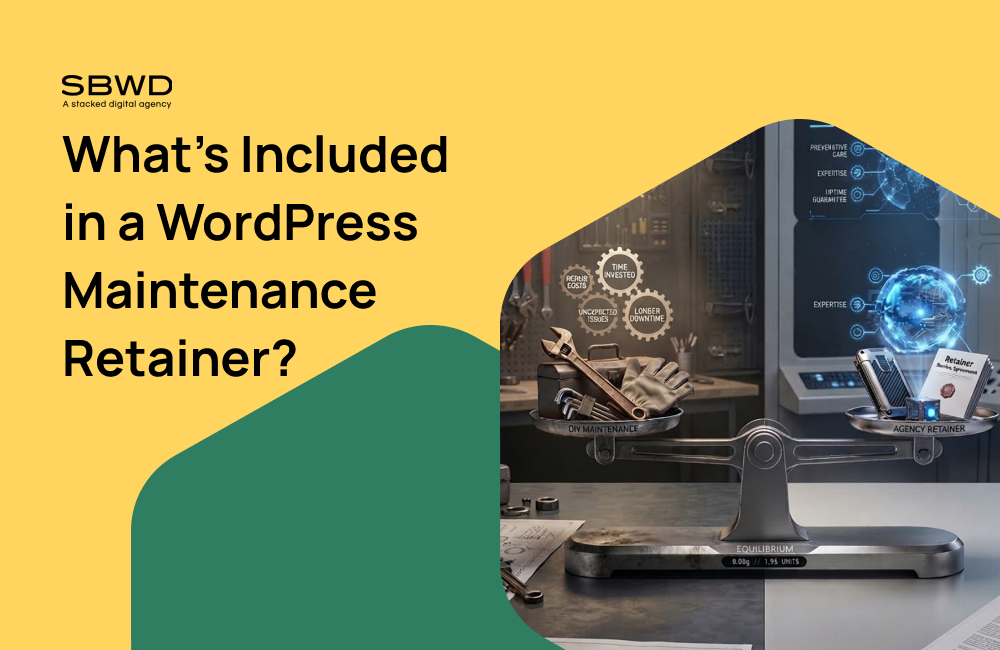
Website maintenance options comparison
Web Security & Maintenance

What’s Included in a WordPress Maintenance Retainer?

A standard WordPress maintenance retainer includes core, theme, and plugin updates (usually tested on staging first), daily offsite backups, uptime and security monitoring, malware scanning, periodic reporting, and a set amount of included developer time for small fixes. Higher tiers add performance optimization, a content updating SLA, faster response times, and dedicated support.

3D red abstract geometric symbol
Web Security & Maintenance

How Much Does WordPress Maintenance Cost in 2026?

WordPress maintenance in 2026 typically costs $40–$80/month for a basic DIY or automated plan, $150–$300/month for a professionally managed care plan on a small business site, and $500–$2,000+/month for ecommerce or enterprise sites. Hourly rates for one-off work range from $30–$150/hour for freelancers and $100–$250/hour for agencies.

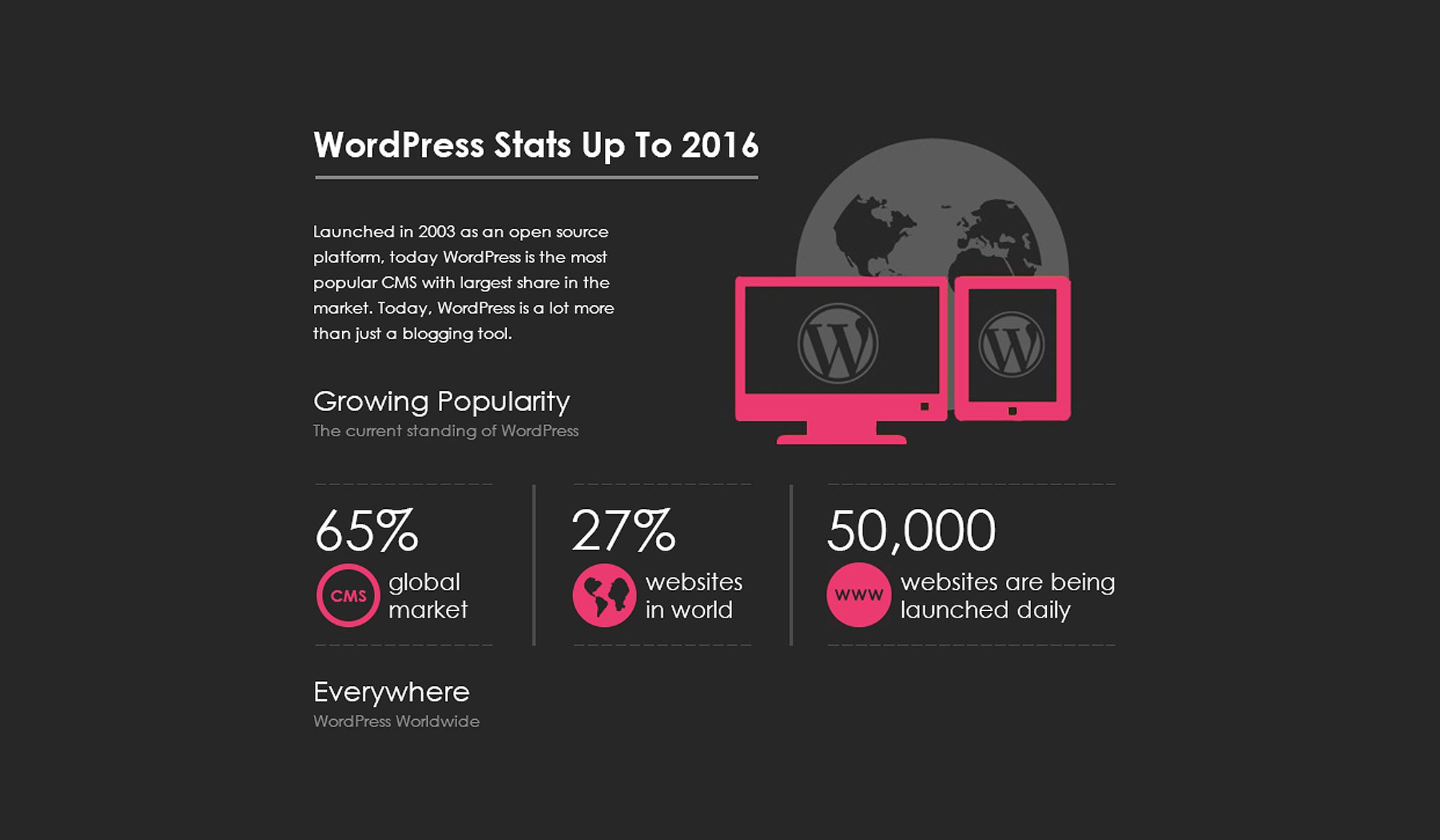
WordPress statistics highlight its global CMS dominance and widespread usage.
Web Security & Maintenance

Using WordPress for my company website

So what does this mean for business owners? Why would WordPress, which was widely known as a blog platform, become the best choice for your company website or ecommerce website?

Explore
Drag